
Release notes & deep-dives.
Every release. Every retrospective. Every time we change our minds about something and write a long post about why. Subscribe by RSS or just check back when there's a new tag.
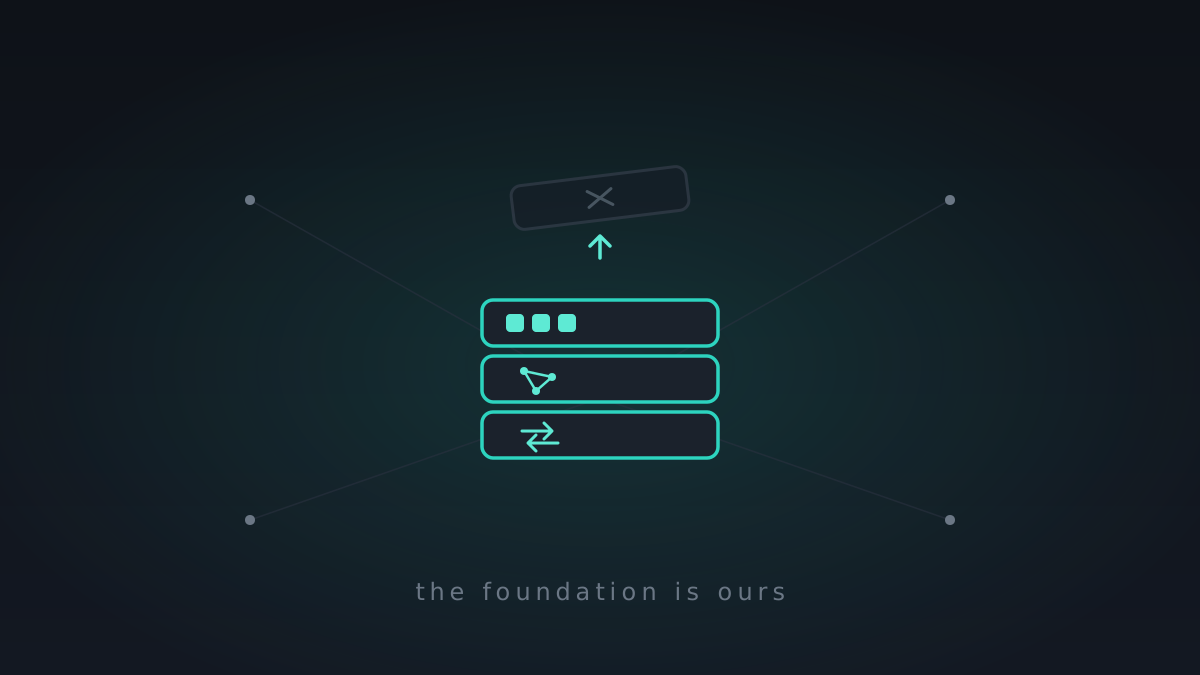
Replacing the engine: MeshHold left libp2p behind
The biggest change in the project's life, and the one you're least likely to see: MeshHold no longer runs on libp2p. We spent this stretch pulling out the framework the whole thing was built on and dropping in our own networking — and if we got it right, the only thing you'll notice is your battery and data lasting longer.
A lighter, quieter node: less chatter, more battery, better calls
No new headline feature this stretch — the opposite, on purpose. A phone running MeshHold was spending gigabytes of data and too much battery on background chatter, so this was a diet: make the mesh talk far less, let the radio sleep, and fix one more round of calls-in-the-wild.

Calls became meetings — and connections that go straight through
Three things this week: a call grew into a full multi-party meeting with screen sharing and recording; connections learned to punch straight through NAT, ~99% of the time, so we could rip out libp2p's relay machinery entirely; and the site grew up — in Russian, and with the trackers taken out.
Making it hold: sturdier calls, and an agent for your documents
Last week I said the big new surface was mostly done and the job now was making it solid. This week was exactly that — with two things that happen to be new anyway: calls that hold up on a bad network, and an AI agent that can work with your documents, strictly on your terms.
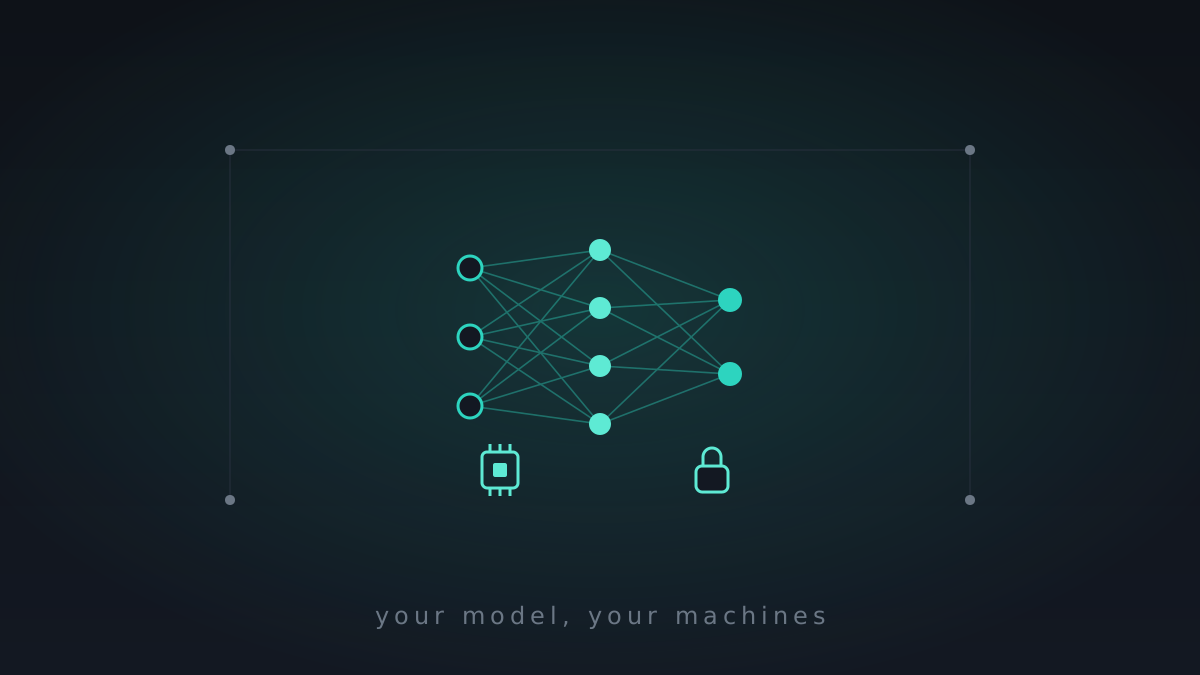
AI on your own hardware — and a mesh that does the work
This week MeshHold learned to compute, not just store. It can run AI models on your own hardware and hand the heavy jobs — transcoding, transcription, captioning, indexing — to whichever of your machines is up to it. Private AI, on hardware you own, with the data never leaving it.
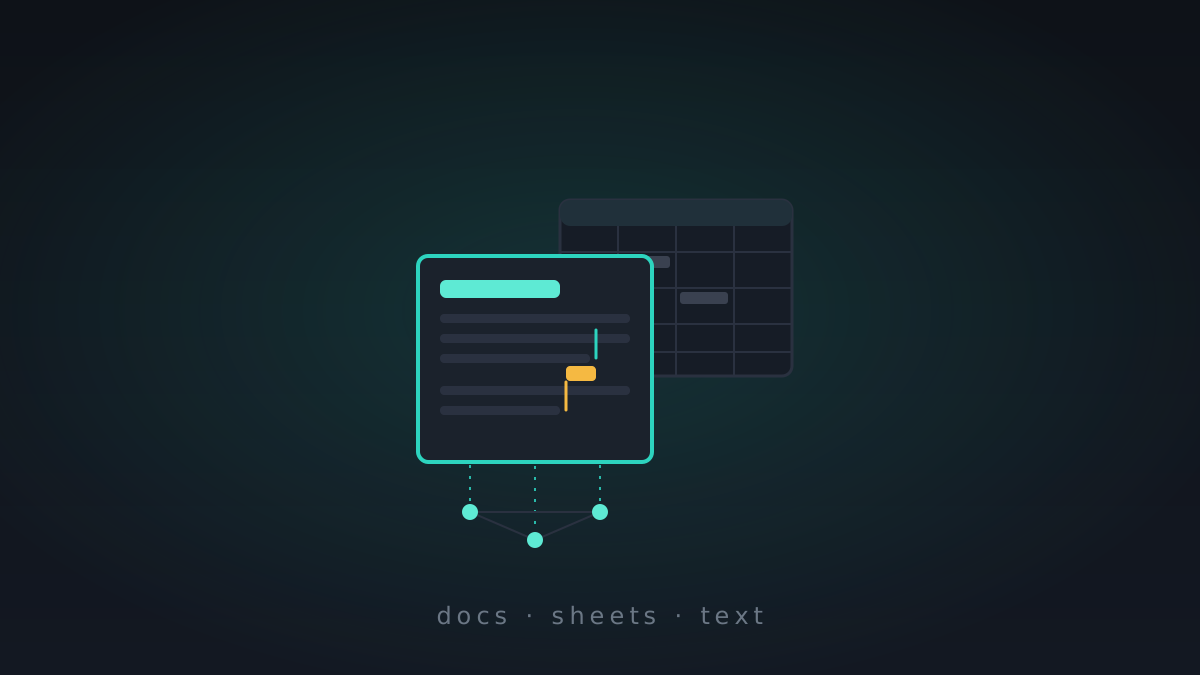
An office in the mesh — and a handshake with Nextcloud
The biggest building week in a while, and it produced two things I've wanted for a long time: MeshHold grew a real office — documents, spreadsheets and text, editable in the browser and collaborative over the mesh — and it learned to federate with Nextcloud and ownCloud.
How fast is it, really? A week on the benchmark stand
One question drove the whole week: how fast is MeshHold, really — measured, not felt, and against the tools people already trust. So I built a benchmark stand, raced it against rsync, Syncthing and friends, and spent the rest of the week fixing what the stopwatch exposed.
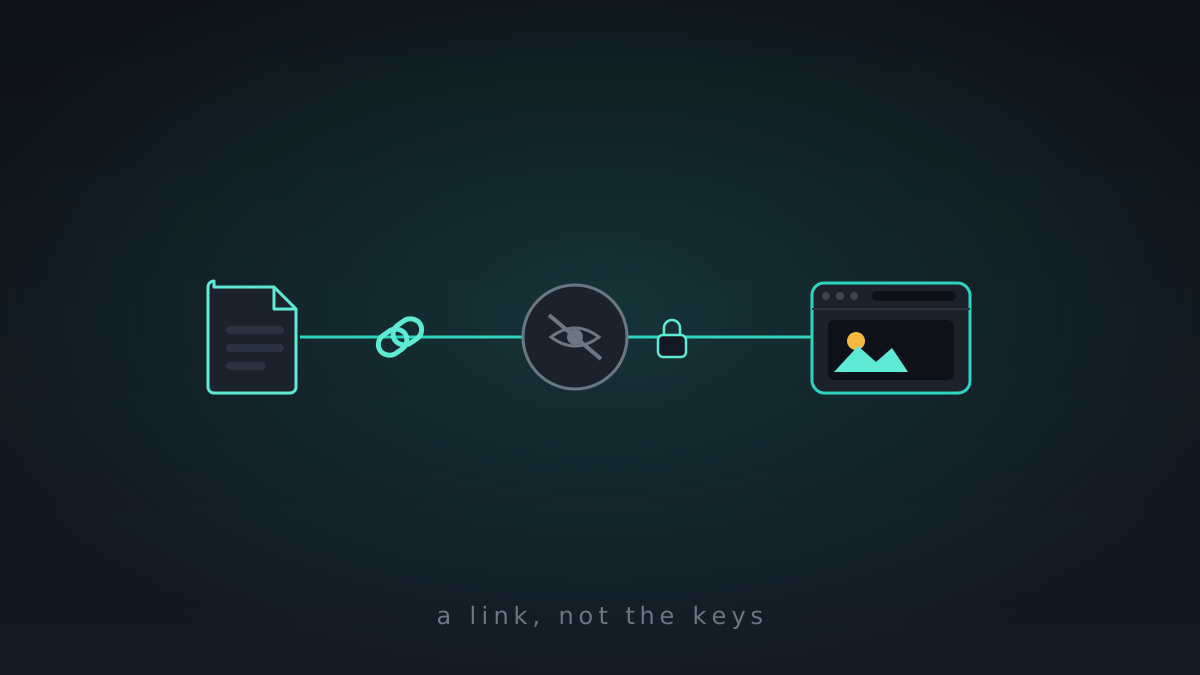
Share links, a photo gallery, and encryption by default
Three big things this week, which is unusual. Two are features you'll actually touch — public share links and a real photo gallery — and the third is a default MeshHold should have shipped with: encryption at rest, now on by default. All of it is the pre-0.8 push.
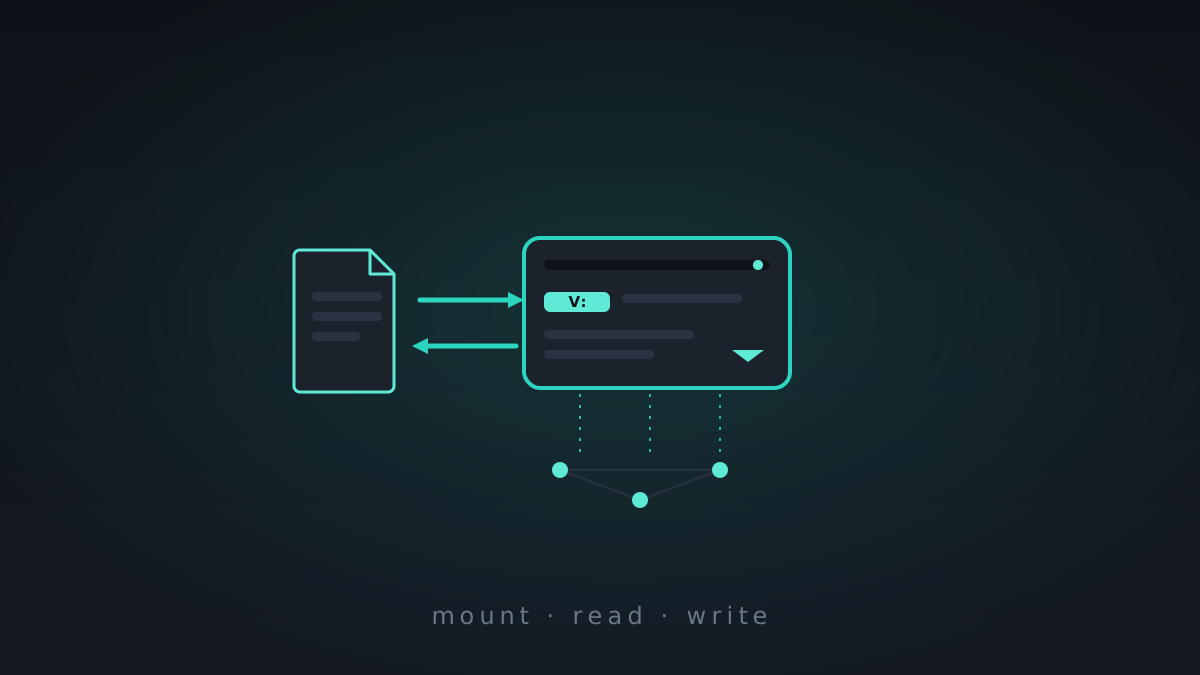
Your vaults are drives now — and you can write to them
This week has a headline I've wanted to write for a while: your vaults are drives. Mount one and it shows up in your file manager as a real disk you can read and write — no export, no re-upload — with the bytes living on the mesh.
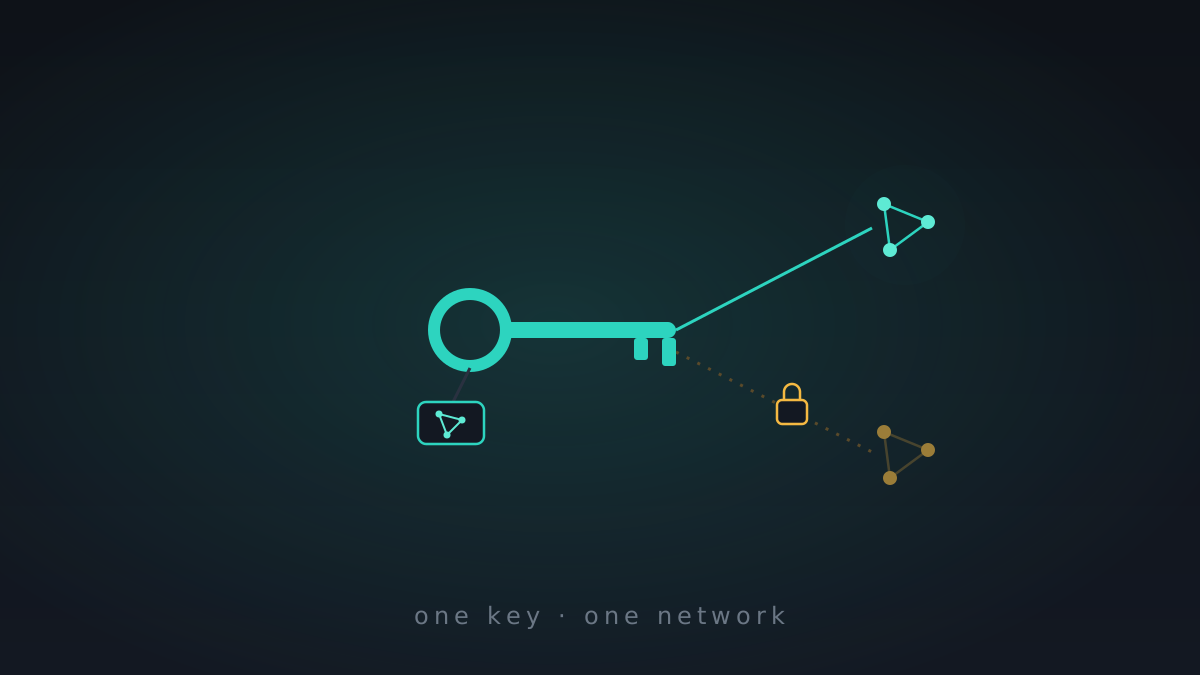
Everything in its place: keys, services, and who's really on your mesh
Another hardening week on the way to 0.8, with a quiet theme: belonging. Keys learned which network they belong to, MeshHold learned to belong in the Windows services list, and the Network page finally shows who actually belongs to your mesh.
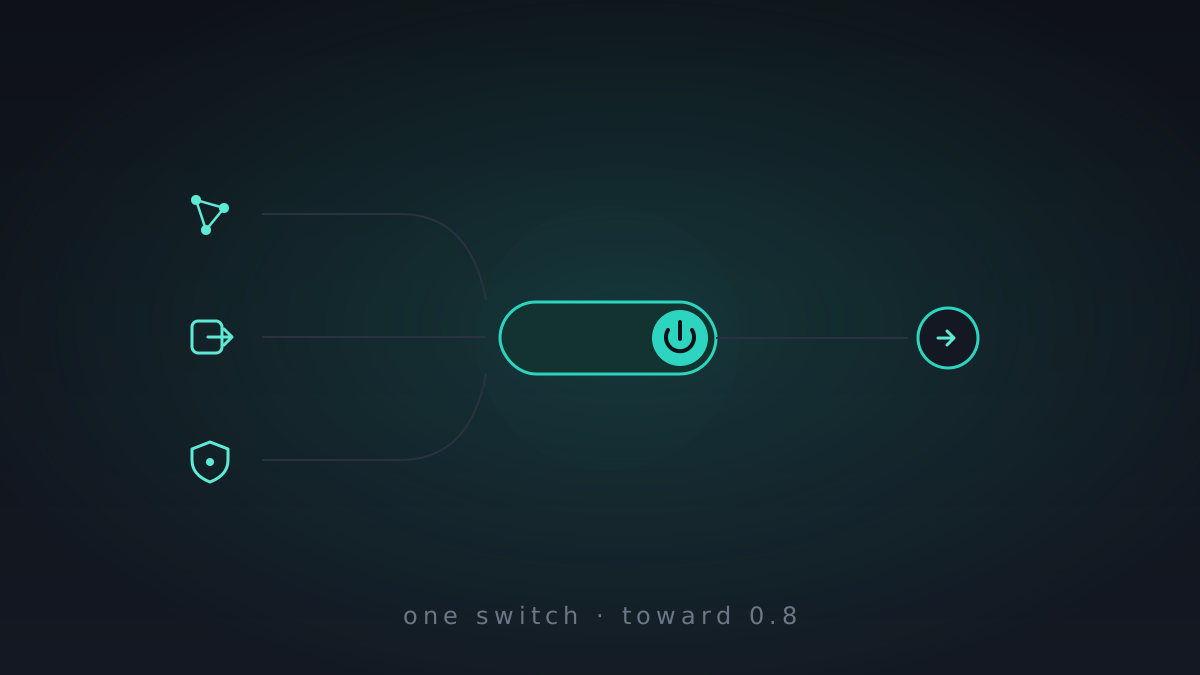
One switch for the whole network — and the road to 0.8
This week the networking stack's tangle of separate toggles — mesh overlay, exit VPN, ad-block, DNS — folded into a single master switch. It's exactly the kind of tidying-up that comes before a first release: we're closing in on 0.8, which will be the first proper build and the point where we publish the source.
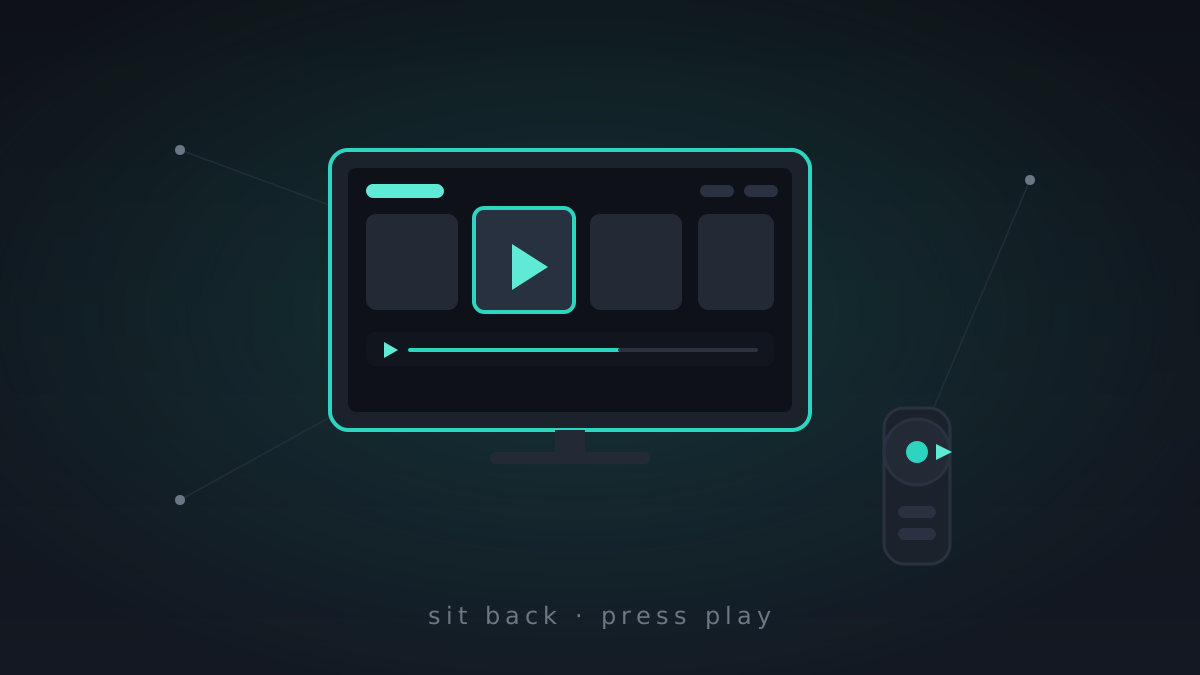
Reaching further: a third agent, the TV, and pairing beyond the LAN
The last couple of weeks went inward; this one went outward. A third AI agent joins Claude and OpenCode, MeshHold learns to run on the living-room TV, key-pairing reaches past your own network, and the mesh quietly starts giving away less about itself.
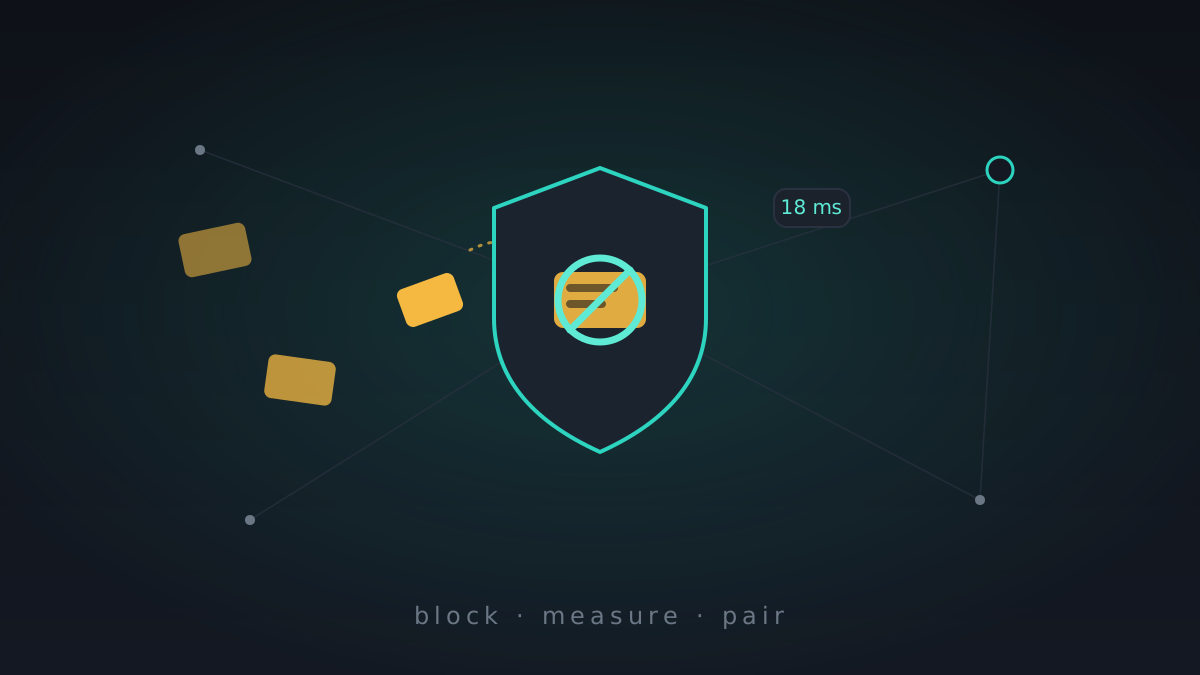
The little things: ad blocking, per-link ping, and pairing without a clipboard
After a fortnight of heavy plumbing, this week was deliberately smaller: the quality-of-life things you actually notice day to day. Ads gone from the built-in browser and VPN, a ping on every mesh link, and a way to pair a device that has no clipboard.
One pipe, many priorities: VPN routing, QoS, and a connection flood that wouldn't quit
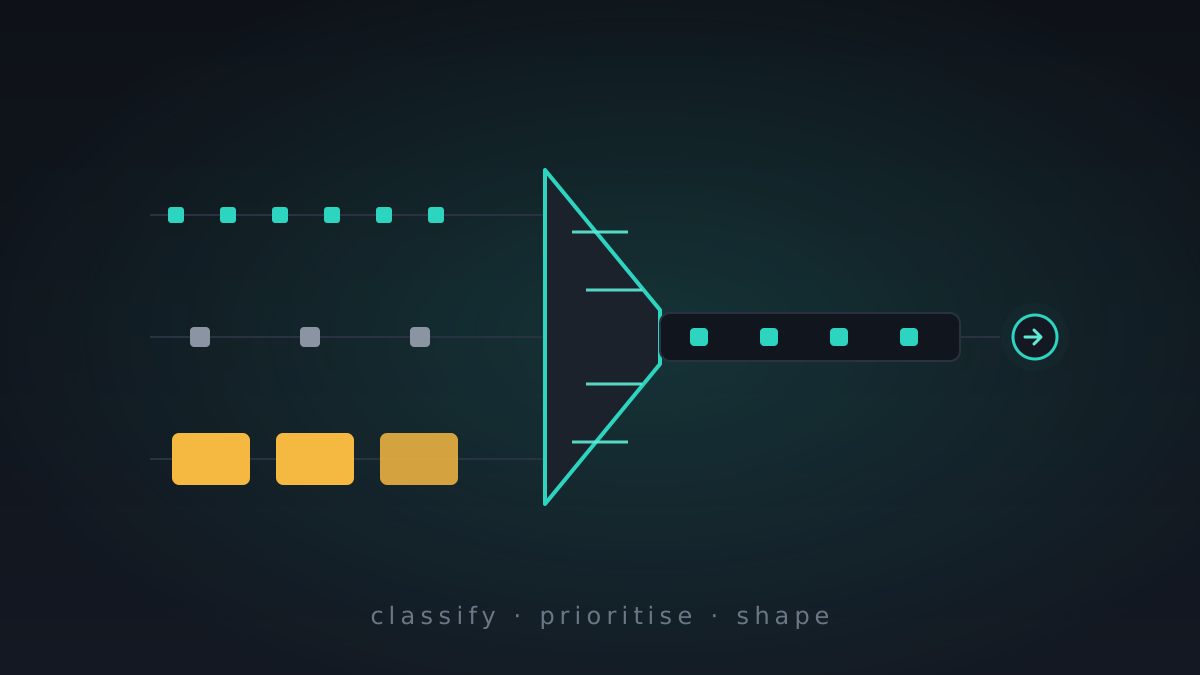
Last week was storage; this week was the network. The exit-VPN went from "it works" to "it's configurable, and it survives being abused" — per-destination routing, pluggable transports, router-grade QoS, and a week-long fight with a connection flood that kept killing DNS.
Heads-down: debugging, polish, and storage that holds
No new headline feature this stretch — on purpose. The breadth is there now; the job is making each piece hold up. Storage that survives the awkward cases, and a long tail of debugging and polish.
One flat network for all your nodes: the mesh LAN
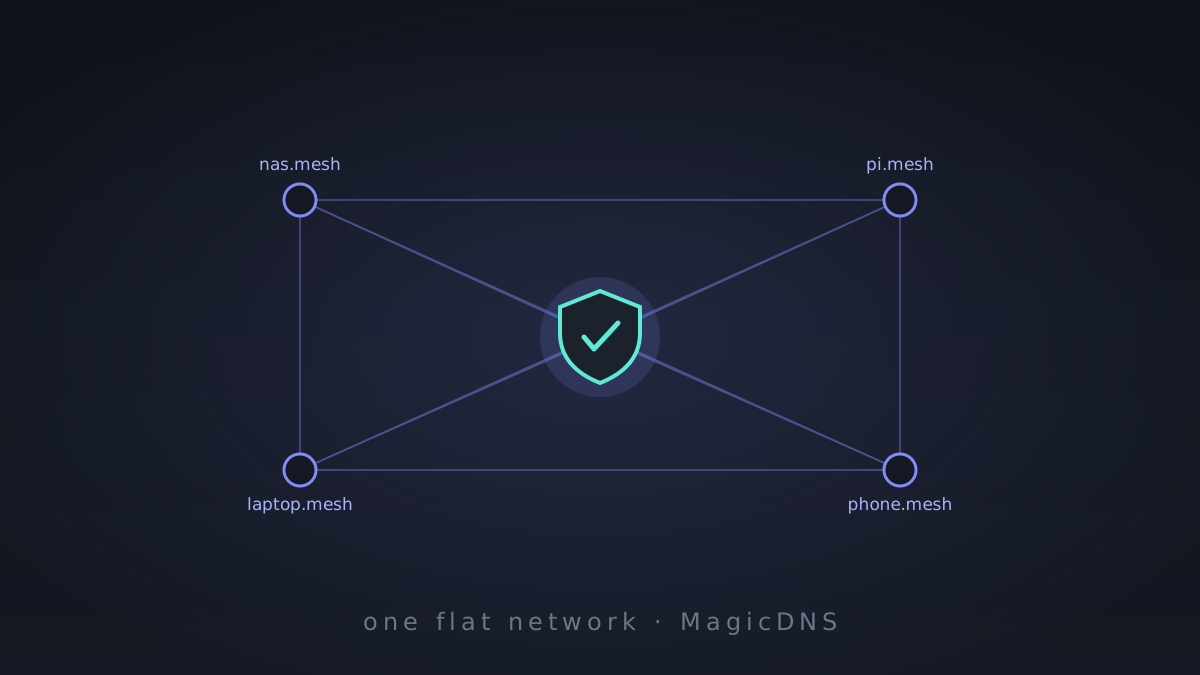
The tunnel browser and the VPN forwarders were always pointing at the same destination: giving your machines one private network of their own. This week it arrived — a flat, Tailscale-style mesh LAN, with MagicDNS and per-key ACLs, on Linux, Windows, and Android.
Try it without installing anything: the live demo
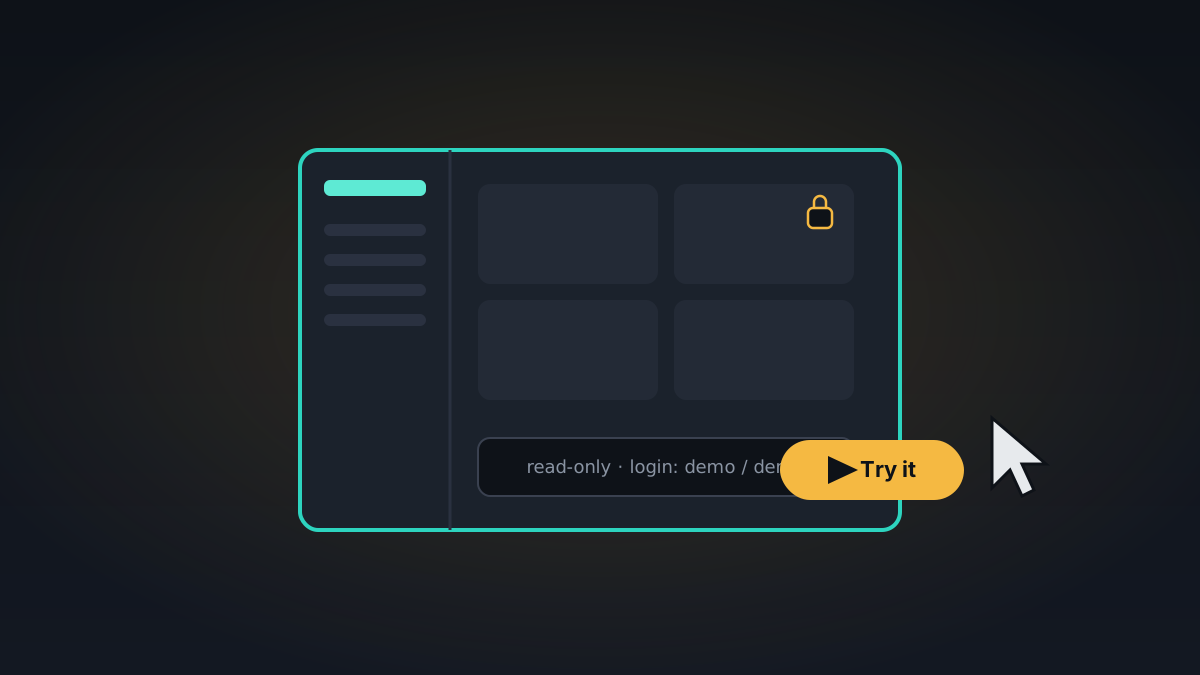
"Self-hosted, peer-to-peer, encrypted" is a hard thing to picture from a feature list. So there's now a live demo — the real daemon, seeded with example content, that you can click around in your browser without installing a thing.
MeshHold has a home: the website is live
Three weeks ago this was an architecture doc and an empty Go module. Today it has a website — with a blog, docs, and a forum — which, depending on your perspective, is either a milestone or a very productive way to procrastinate.
An AI agent that lives inside your mesh
You can now run a coding agent as a first-class node in your mesh and reach it from any paired device over libp2p — streaming output, approval prompts, and all. The mesh already moved your files and your calls; now it moves your agent's tokens too.
Calls over the mesh
Voice and video calls, peer to peer, over the same encrypted libp2p circuits that move your files. No SFU, no third-party server, nobody in the middle. Turns out a storage mesh makes a perfectly good phone.
Press play: streaming and a built-in media player
Your music and video were already on the mesh. Now you can actually play them — streamed block by block, without downloading the whole file first.
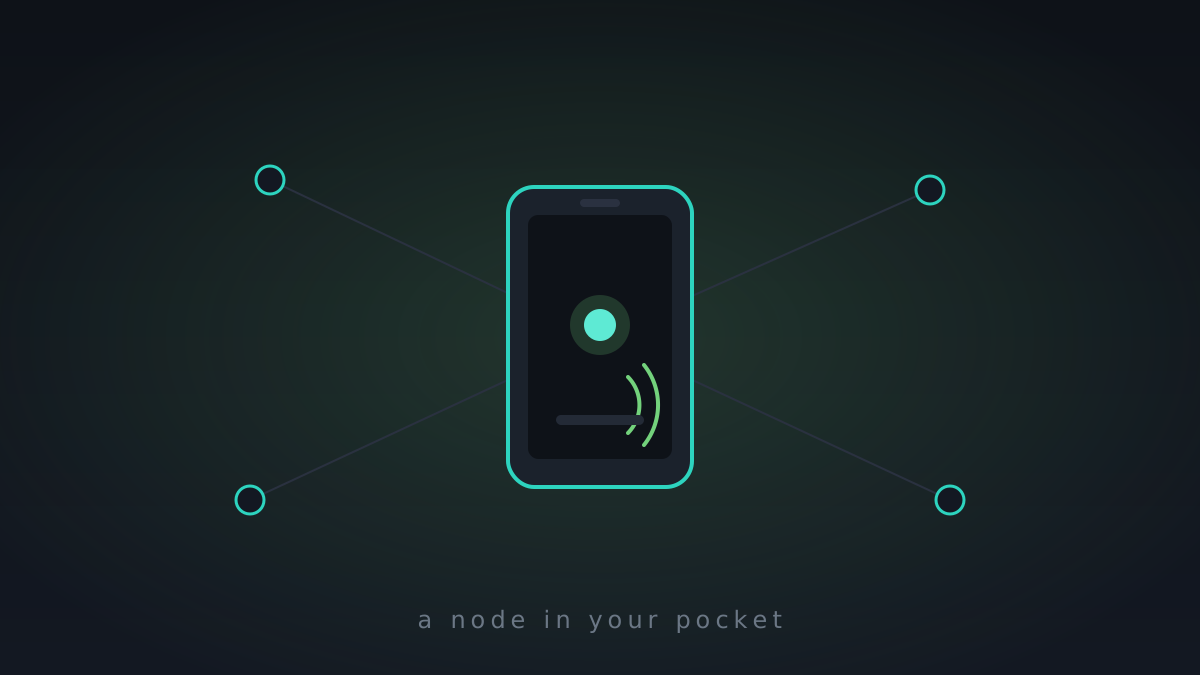
MeshHold goes Android — a full node in your pocket
The phone app isn't a thin client phoning home to a server. It runs the same daemon as your NAS, as a real node in the mesh — it just happens to fit in your pocket.
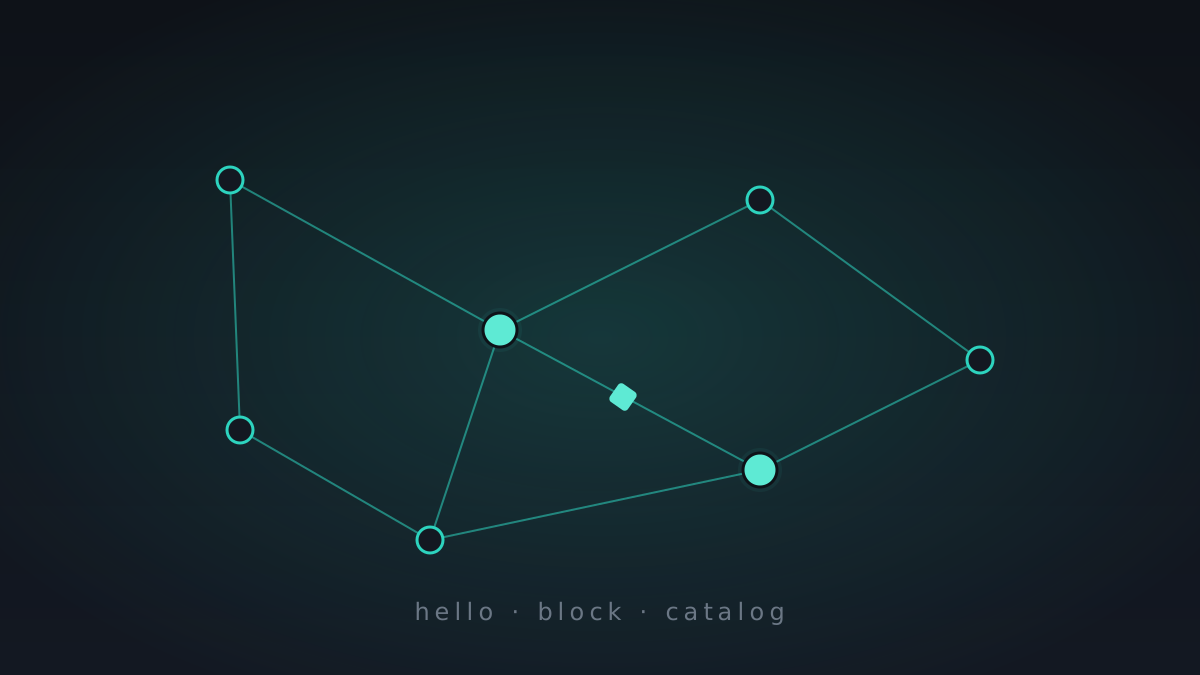
The mesh comes alive
Two daemons said hello to each other, exchanged encrypted blocks, agreed their catalogs matched, and passed a chat message. It doesn't sound like much until it's your own code doing it.
Day one: the idea, and an empty Go module
Every project starts as one commit. Today that commit is an architecture doc and an empty Go module — and a stubborn idea: your data should live on machines you own, replicated across people you trust, encrypted end to end, with nobody's cloud in the middle.