
Another hardening week on the way to 0.8, and this one had a theme even if I only noticed it halfway through: belonging. Keys learned which network they belong to, MeshHold learned to belong in the Windows services list, and the Network page finally shows who actually belongs to your mesh.
Keys that know their network
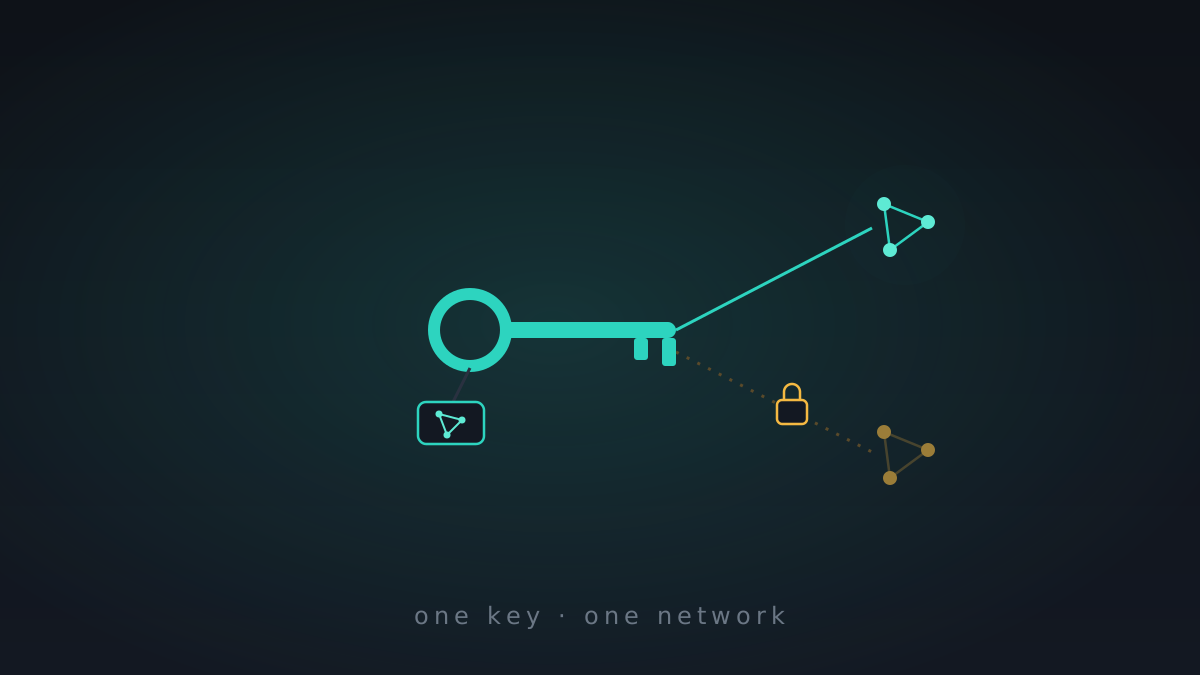
Until now a management key was just a management key — hand one out and it worked anywhere. That's fine with one network and a liability with several. So keys are scoped now: each is tagged to a saved network, and verification checks the tag end to end — a key minted for your home network won't quietly authorize anything on your work network. Exit access, mesh membership, even camera auto-answer are all checked against the active network. You can still move a key between networks deliberately; it just won't happen by accident.
Windows, properly installed
MeshHold can now run as a real Windows service — meshhold service — so it works on Windows Server and headless boxes with nobody logged in. The installer got the overhaul it deserved: one MSI that asks "just me or all users?", installs into the actual 64-bit Program Files, registers the service on a per-machine install, and quietly adopts an existing per-user node instead of leaving you with two. The tray app noticed all this and stopped starting a second daemon — it attaches to the running service, recovers its credentials across a service restart, and still delivers your call and agent notifications while attached.
An honest Network page
The master switch is now just "Meshhold network," with a proper connecting state instead of a hopeful flip. Below it, the Meshlan panel mirrors your live membership — who's actually on the mesh right now, each peer with its .mesh name, any child devices behind it, and its own key-gated exit and forward toggles. A couple of phantom "system VPN" banners that used to hover over all this are gone, and turning off an exit no longer takes the whole mesh down with it.
A quieter disguise
Small but important: the reality transport — the one that fronts as ordinary TLS to a real website — stopped leaking a tell. On first contact it used to fall back to an internal meshhold.local name in the handshake; now it seeds the real SNI from your invite and flatly refuses to dial with a give-away name. You can also pick which browser's TLS fingerprint it mimics from a whitelist, instead of always wearing the same one.
Underneath all of it: a LAN broadcast storm can no longer starve the mesh's DNS — we drop broadcast and multicast at the door now — and desktop sessions quietly self-heal a stale login instead of logging you out. Unglamorous, load-bearing, exactly the sort of thing 0.8 is made of.
Since last week
- Per-network key scoping: management keys are tagged to a saved network and verified against it (exit, mesh, camera auto-answer); a
--networkflag and deliberate moves between networks;mgmt-keys addaccepts a fullmeshhold://joininvite; update a key's allowed ports in place - Windows service + installer: run headless via
meshhold service(Windows Server ready); a single MSI ("just me / all users") that installs into 64-bit Program Files, registers the service per-machine, and adopts an existing per-user node; the tray attaches to the running service instead of spawning a second daemon and keeps delivering call / agent notifications - Network page: master toggle renamed "Meshhold network" with a connecting state; the Meshlan panel mirrors live mesh membership; per-peer panel with
.meshdomain, child devices, and key-gated exit / forward; spurious system-VPN banners removed; disabling an exit keeps the mesh up - Reality obfuscation: seed per-peer SNI from the invite so first contact doesn't leak
meshhold.local; refuse to dial with a give-away SNI; selectable TLS fingerprint from a whitelist; optional PROXY-protocol header on the front-site splice - Hardening: drop broadcast / multicast at UDP ingress so a LAN storm can't starve mesh DNS; desktop sessions slide their token expiry and self-heal a stale embedded login
- Docs & ops: a Windows service deployment guide, obfs front-site recipes (nginx / Apache), per-network key-scoping docs, and a safe nightly VPS-upgrade script